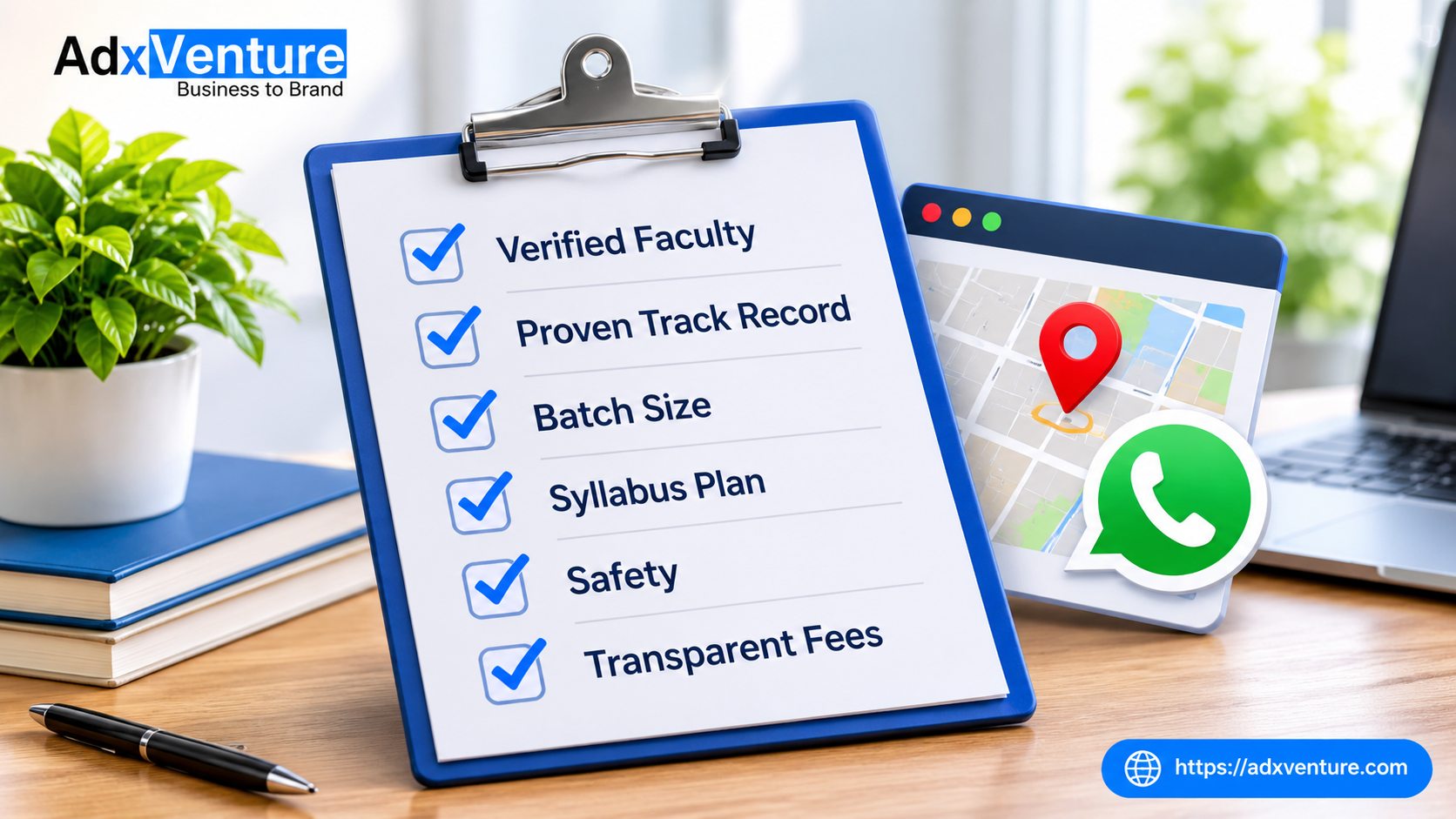
Coaching Website Checklist: 12 Best Proven Tips for Chandigarh
Parents in the Tricity don’t just ask friends about coaching anymore. They search online, compare three or four centers, and decide who to call before they ever walk in. If your site is slow, outdated or missing key details, they move on to the next option.
This coaching website checklist covers what every institute in Chandigarh, Mohali and Panchkula should have online. Use it to review your current site or plan a new one. Each point is simple enough to fix without a big budget.
Want an expert to review your site against this coaching website checklist? Get a free one-on-one consultation with AdxVenture and find out exactly what to fix first.

📞 Call now to book your free session.
Why a Coaching Website Checklist Matters
Your website is often the first classroom a parent sees. A clear coaching website checklist helps you spot gaps before they cost you admissions. Most gaps are small: a missing phone number, an outdated batch date, a page that takes too long to load. Fixing them one by one can make a real difference to the number of enquiries you get.
1. A Mobile-Friendly Design
A mobile-friendly design is the first item on any coaching website checklist.
Most parents and students will open your site on a phone. If text is tiny, buttons are hard to tap or the page needs sideways scrolling, they will leave. Make sure every page works on common phone sizes, and test it on a real phone, not just a desktop preview. Check your forms, menus and images too, because these are the parts that break most often on small screens.
2. Fast Loading Speed
A slow site fails the coaching website checklist test before parents read a single word. Visitors leave in seconds, especially on mobile data.
Compress images, avoid heavy sliders and pop-ups, and use reliable hosting. Test your site with Google Page Speed Insights and aim to load in under three seconds. Large topper photos and uncompressed banners are the most common reasons coaching sites feel slow.
3. A Clear Homepage That Says What You Teach and Where
Within five seconds, a visitor should know what you teach, who it’s for and where you are. A headline like “NEET Coaching in Mohali” or “IIT JEE Coaching in Chandigarh Sector 34” works far better than a vague “Welcome to our institute”.
Add a clear button such as Book a Free Demo or Call Now above the fold. Keep the first screen simple: one headline, one short line about your results or teaching style, and one main action.
4. A Separate Page for Every Course
Give each course its own page, for example JEE, NEET, CUET, Class 10 boards or IELTS. Each page should list the batch timings, duration, fees (or a way to ask), faculty and an enquiry button.
Separate pages help parents find exactly what they want. They also help each course show up in Google, because a page focused on one course ranks better than a single page covering everything.
5. Detailed Faculty Profiles
“Expert faculty” doesn’t convince anyone. Show real names, photos, qualifications, years of experience and subjects taught. A short intro video from your top teachers builds trust even faster.
Parents want to know who will actually teach their child. A faculty section that answers this clearly is one of the strongest points on any coaching website checklist.
6. Real Results and Honest Testimonials
Show student results, topper photos and parent reviews, and keep them real and verifiable. A line like “120 students selected in 2026” feels more believable than “many students succeed with us”.
Organize results by year and course, and update them every year. Old results from five years ago make a center look inactive, even if teaching is excellent. If possible, add a short video testimonial from a parent or student.
7. Click-to-Call and WhatsApp Buttons
Many parents want to talk to someone before choosing. Every coaching website checklist should include a tappable phone number and a WhatsApp chat button on each important page.
Make sure the number is visible at the top of the page, not hidden in the footer. Keep a short pre-filled WhatsApp message, such as “Hi, I want details about NEET coaching”, so parents can start a chat in one tap.
8. A Complete Google Business Profile and Map
Your website and your Google Business Profile should work together. Embed a Google Map on your contact page and keep your name, address and phone number exactly the same everywhere.
If you have more than one branch, such as one in Chandigarh and one in Mohali, list each branch separately with its own address. Add recent photos and reply to reviews, since many parents read these before they ever open your website.
9. Local SEO Pages for Chandigarh, Mohali and Panchkula
Local SEO is the point most often missed in a coaching website checklist. Parents search with their own city or area name, so your site should too.
Use Chandigarh, Mohali, Panchkula and Tricity naturally in page titles, headings and course pages, for example “CUET Coaching in Panchkula”. If you have several branches, create one page per location instead of listing everything on a single page. Avoid copying the same text across location pages, because Google prefers unique content for each one.
10. Clear Fee, Batch and Scholarship Details
Hidden fees destroy trust. Share fee ranges, instalment options, batch sizes and scholarship test details, or at least a clear way to request them.
Parents respect centers that are open about costs. If you can’t publish exact fees, explain what affects the price, such as course duration or batch type, and make it easy to ask for a quote.
11. Short, Simple Enquiry Forms
Ask only for what your team needs: name, phone number, course of interest and a short message. Long forms are hard to finish on a phone.
Show a clear confirmation message after submission, and make sure someone actually replies quickly. An enquiry that waits two days for a response is usually a lost admission.
12. Trust and Security Basics
A coaching website checklist is only useful if the basics are covered. Check that your site uses HTTPS (the padlock in the browser), has working links and shows updated notices and batch dates.
Add your address, phone number, about page and privacy policy where visitors can find them. Outdated pages and broken links make a center look careless, so review your site at least once a month.
✍️Bonus: Keep Publishing Helpful Content
A blog with posts on exam tips, admission guidance and study planning brings in new visitors and shows parents you know your subject. Even one useful post a month adds up over time.
Good topics include how to choose a coaching center, how to plan a study timetable and what to expect in the first month of JEE or NEET prep. Revisit this coaching website checklist every quarter and update your older posts at the same time.
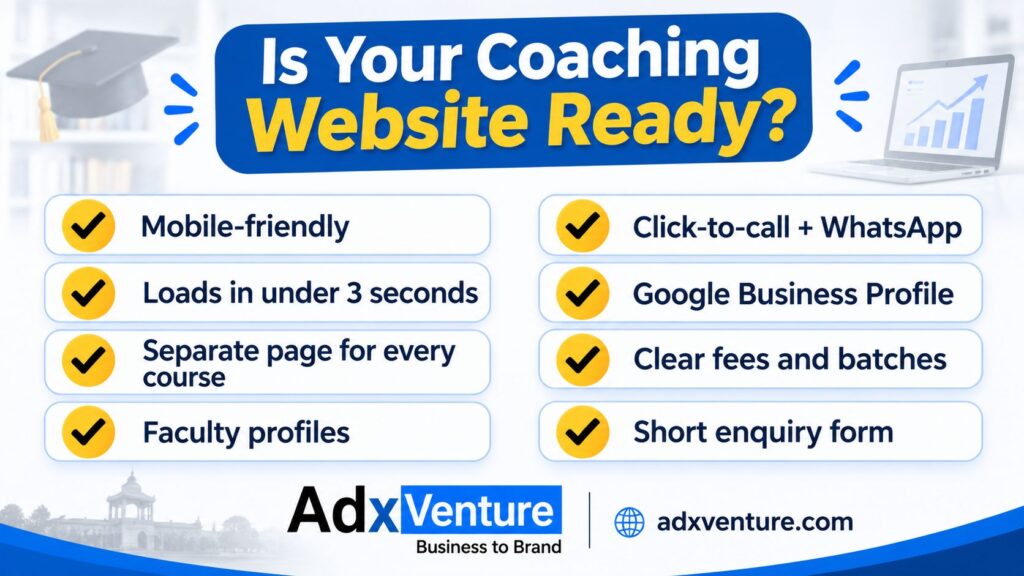
✅ Quick Coaching Website Checklist: Is Your Site Ready?
- ☐ Works well on phones and loads in under three seconds
- ☐ Homepage states your courses and location clearly
- ☐ Separate page for every course
- ☐ Faculty profiles with real qualifications
- ☐ Real results and testimonials, updated yearly
- ☐ Click-to-call and WhatsApp buttons on every page
- ☐ Google Business Profile and map set up
- ☐ Chandigarh, Mohali and Panchkula used naturally in key pages
- ☐ Fees, batches and scholarships explained clearly
- ☐ Short enquiry form that works
- ☐ HTTPS, working links and up-to-date information
🚀 Final Thoughts
The best coaching centers in the Tricity win students online because their websites make trust and contact effortless. Go through this coaching website checklist one point at a time, and fix the gaps that matter most to parents first.
If you’d rather have experts apply this coaching website checklist for you, take a look at our coaching institute website design service. We build fast, mobile-friendly sites designed to bring you more admissions.