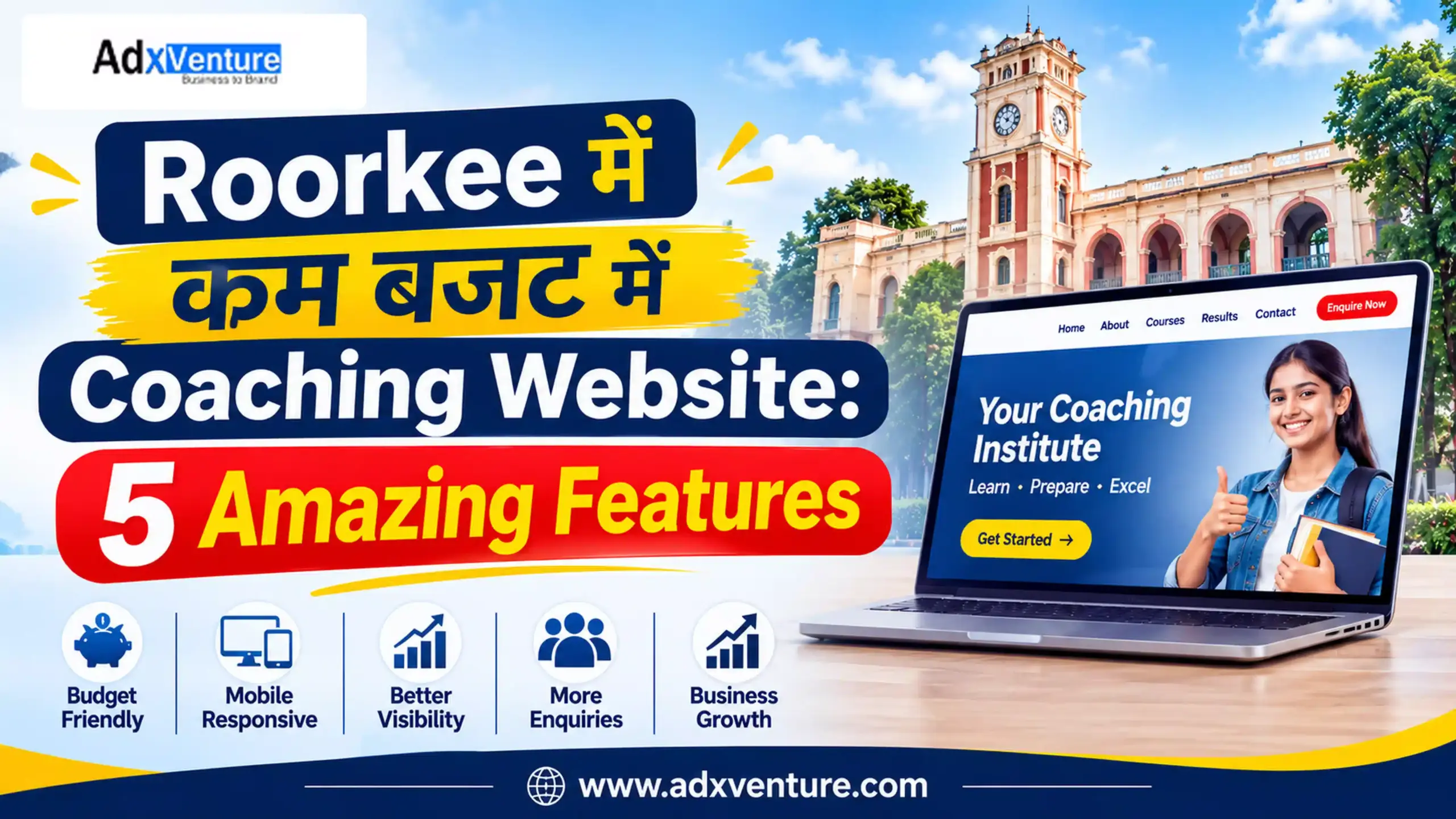
Roorkee में कम बजट में Coaching Website: 5 Amazing Features
Roorkee coaching institute website design का मकसद सिर्फ online presence बनाना नहीं है। Website पर students और parents को course, batch, faculty और contact details आसानी से मिलनी चाहिए। मान लीजिए, कोई student Roorkee में NEET या SSC coaching search करता है। क्या वह आपकी website पर कुछ ही मिनटों में सही जानकारी और enquiry का रास्ता खोज सकता है?
कम budget में हर advanced feature जरूरी नहीं है। पहले उन features पर खर्च करें जो course information, local visibility और genuine enquiries में मदद करते हैं।
Coaching institute website design में 5 जरूरी features
1. Mobile-Friendly Design और Fast Loading
Students mobile से course details, location और contact information देखते हैं। इसलिए coaching institute website design mobile screen से शुरू करें, desktop layout को छोटा करके नहीं। Navigation भी simple रखें, ताकि visitor सीधे course page या enquiry form तक पहुंच सके।
इन बातों को check करें:
- Text बिना zoom किए पढ़ा जा सके।
- Menu छोटा और आसान हो।
- Call और WhatsApp buttons आसानी से दिखें।
- Enquiry form mobile पर आसानी से भरा जा सके।
- Images compressed हों और page को slow न करें।
Core Web Vitals क्यों देखें?
Google के Core Web Vitals तीन real-world experience metrics मापते हैं:
|
Metric |
Good target | आसान मतलब |
| LCP | 2.5 seconds या कम | Main content जल्दी दिखे |
| INP | 200 milliseconds से कम | Tap या click के बाद response जल्दी मिले |
| CLS | 0.1 या कम |
Page load होते समय elements अचानक न खिसकें |
ये Google के documented “good” thresholds हैं। PageSpeed Insights और Search Console से अपनी website जांचें। अच्छे scores ranking की guarantee नहीं देते, लेकिन user experience बेहतर करते हैं।
अपने phone पर 4G में course page खोलें और form submit करें। अगर zoom करना पड़े या button देर से respond करे, तो student को भी परेशानी होगी। अपने coaching institute website design में speed का ध्यान launch से पहले रखें।
2. हर Course के लिए अलग Page और सही Information
एक ही page पर NEET, JEE, SSC, Banking और UKPSC की सारी जानकारी डालने से student को details ढूंढने में समय लगता है। अलग pages search engines को भी page का विषय समझने में मदद करते हैं।
अपने coaching institute website design में हर major course का अलग page बनाएं। Essential features of a coaching institute website में course-wise pages शामिल होने चाहिए।
उदाहरण के लिए:
- /neet-coaching/
- /jee-coaching/
- /ssc-coaching/
- /ukpsc-coaching/
हर page पर target exam, syllabus, batch timings, duration, faculty और demo class की जानकारी दें। Fees में क्या शामिल है और जानकारी कब update हुई, यह भी बताएं।
Structured Data कब काम आता है?
अगर institute वास्तविक courses चलाता है, तो developer Google के Course structured data पर विचार कर सकता है। Course list feature के लिए कम-से-कम तीन eligible courses और सही names व descriptions की जरूरत होती है। Markup वही जानकारी बताए जो visitor page पर देख सकता है।
Website design में course-specific pages का एक और फायदा है: हर course के लिए अलग CTA रखा जा सकता है। NEET page पर “Book a NEET Demo Class” और SSC page पर “Ask About SSC Batches” जैसे buttons student को relevant next step देते हैं।
3. Local SEO और Google Business Profile
Website पर Roorkee location की वास्तविक जानकारी दें। केवल “Roorkee” बार-बार लिखने से local ranking नहीं मिलती; student को address, directions और available classes चाहिए। Roorkee coaching institute website design में local SEO को केवल keyword placement न समझें।
Local SEO के लिए:
- सही institute name, address और phone number दें।
- Contact page पर map या directions जोड़ें।
- Google Business Profile update रखें।
- Original classroom photos और genuine reviews जोड़ें।
- Website और profile पर details एक जैसी रखें।
Google local results में relevance, distance और prominence देखता है। Distance आपके control में नहीं है, लेकिन accurate information और genuine reputation पर काम कर सकते हैं। Fake reviews न लें। अपने coaching institute website design में local content का मतलब address, directions, nearby landmarks और offline batch details देना है। बिना वास्तविक service के दूसरे शहरों के pages न बनाएं।

अपने Coaching Institute के लिए Professional Website बनवाना चाहते हैं?
आज ही Adxventure को Call करें 📞 +91-9149214580
AdxVenture के साथ अपने Coaching Institute की Professional Website बनवाएं
Adxventure को 15+ years of experience है Website Design और Digital Marketing के क्षेत्र में। Education sector में काम करने के अनुभव के कारण हम समझते हैं कि एक Coaching Institute की website में कौन-से features होने चाहिए और students व parents को किस तरह की information चाहिए।
हमने education sector के लिए कई websites पर काम किया है। इसी practical experience के आधार पर हम आपके Coaching Institute के लिए ऐसी professional website तैयार करते हैं, जो आपके courses, faculty, teaching approach और institute की identity को सही तरीके से present करे।
हमारा focus सिर्फ अच्छी दिखने वाली website बनाना नहीं है, बल्कि ऐसी website deliver करना है जो:
- Mobile-Friendly और Fast-Loading हो।
- SEO-Friendly structure के साथ तैयार हो।
- आपके सभी courses की जानकारी सही तरीके से दिखाए।
- WhatsApp Integration और Admission Enquiry Forms provide करे।
- आपके institute की online presence और credibility को बेहतर तरीके से present करे।
- Future updates और maintenance के लिए support दे।
अपने budget और website requirements के अनुसार सही package चुनें। हमारे Website Packages देखें और अपने institute की online presence को एक नई दिशा दें।
Explore Our Packages – Starting from Rs. 7,999/-
4. WhatsApp, Enquiry Form और Conversion Tracking
आपके coaching institute website design का एक practical goal visitor को enquiry तक पहुंचाना है। Website पर visitors आना और enquiries मिलना दो अलग बातें हैं। Student को contact करने का साफ रास्ता दें। हर course page पर call, WhatsApp और short enquiry form जैसे relevant options रखें।
एक short form में student का नाम, mobile number, interested course और demo class request पूछें। कम जानकारी मांगें। Submit के बाद confirmation दिखाएं। WhatsApp button में pre-filled message रखें, जैसे: “I want details about the NEET batch.”
Clicks नहीं, वास्तविक leads track करें
Google Analytics 4 (GA4) में form submission को event के रूप में track किया जा सकता है। Google lead generation के लिए generate_lead recommended event बताता है। Successful form submission, WhatsApp clicks और phone clicks को अलग-अलग track करें। WhatsApp click को confirmed admission या qualified lead न मानें।
हर महीने course page, traffic source, form submissions, counselling calls और admissions को compare करें। इससे पता चलेगा कि कौन-सा page या campaign useful enquiries ला रहा है। अपने coaching institute website design में tracking पहले से plan करें।
5. Trust-Building Content और AI Search Visibility
Roorkee coaching institute website design में trust बनाने के लिए वास्तविक जानकारी दिखाएं। Parents faculty, teaching method, study material, test schedule और results जानना चाहते हैं। Generic claims की जगह verifiable details दें।
Website पर शामिल करें:
- Faculty का नाम, subject और वास्तविक qualification।
- Classroom की original photos।
- Test series का format और sample schedule।
- Results के साथ exam year और उपलब्ध proof।
- Demo class की process और counselling contact।
- Course terms और refund policy, जहां लागू हो।
Google AI Overviews और AI Mode के लिए क्या करें?
Google की current guidance के अनुसार AI Overviews और AI Mode में दिखने के लिए अलग AI schema या special technical markup की जरूरत नहीं है। सामान्य SEO fundamentals लागू रहते हैं: page crawlable और indexable हो, content helpful हो और जरूरी information text में उपलब्ध हो।
Students के Real Questions के जवाब दें: NEET batch में कौन-से subjects हैं, demo class कैसे book करें, test series कितनी बार होती है और counselling के लिए कैसे संपर्क करें। हर सवाल का clear answer दें और अपने institute के अनुभव से content लिखें। Google की AI Search guidance के अनुसार सामान्य SEO best practices AI Search में भी relevant हैं। llms.txt Google Search में appear होने की requirement नहीं है।
आपके coaching institute website design में content student और parent की मदद के लिए लिखें, सिर्फ search engines के लिए नहीं।
Coaching Website Design Cost: बजट कहां लगाएं?
Coaching Website Design Cost pages की संख्या के साथ-साथ design, content, hosting, forms, tracking और support पर निर्भर करती है। Coaching institute website design का budget तय करते समय one-time और recurring costs अलग लिखें। Coaching institute website design के लिए दो low-cost packages की तुलना केवल price देखकर न करें। लिखित में पूछें: domain किसके नाम पर होगा, hosting कितने समय की है, SSL शामिल है या नहीं, content कौन देगा और future edits का खर्च क्या होगा?
Affordable coaching institute website design चुनते समय पहले जरूरी features लें: mobile-friendly layout, course pages, contact details, WhatsApp, enquiry form, basic on-page SEO और analytics setup। Student login, LMS, online tests और payment gateway तभी जोड़ें जब उनकी वास्तविक जरूरत हो।
Coaching institute website development का proposal लेते समय page list, delivery scope, ownership, backup, maintenance और support response time स्पष्ट करवाएं। सिर्फ “SEO included” लिखे होने का मतलब guaranteed rankings या ongoing SEO campaign नहीं है।
Website Designer चुनने से पहले Checklist
किसी website designer को hire करने से पहले ये सवाल पूछें:
- क्या आप coaching या education websites के live examples दिखा सकते हैं?
- क्या website mobile पर test होगी और PageSpeed report मिलेगी?
- क्या हर main course के लिए अलग page बनेगा?
- क्या form submissions, WhatsApp और call clicks track होंगे?
- Domain, hosting, website files और admin access किसके पास रहेगा?
- Maintenance, backup और future changes की cost क्या होगी?
Frequently Asked Questions (FAQs)
1. कम बजट में कौन–से features पहले होने चाहिए?
Mobile-friendly design, course pages, contact details, WhatsApp, enquiry form और basic analytics से शुरुआत करें।
2. क्या coaching website अपने आप Google पर rank करेगी?
नहीं। Ranking helpful content, technical accessibility, local reputation और competition जैसे factors पर निर्भर करती है।
3. क्या हर course के लिए अलग page जरूरी है?
जब syllabus, audience या batch अलग हों, तो अलग page उपयोगी होता है। Duplicate pages न बनाएं।
4. Performance कैसे check करें?
Search Console, PageSpeed Insights और GA4 में indexing, speed और enquiries check करें।
5. Coaching institute website design शुरू करने से पहले क्या तैयार रखें?
अपने courses, fees, batch timings, faculty profiles, institute address, original photos और enquiry contact details तैयार रखें। इससे designer को सही scope और cost बताने में मदद मिलेगी।
अपनी website को सिर्फ online brochure न रखें। उसे ऐसी जगह बनाएं जहां student को course की सही जानकारी मिले और enquiry करने का आसान रास्ता मिले।
Website: www.adxventure.com
Call or WhatsApp: +91 91492 14580
हमारा पिछला Article पढ़ें: Domain Name Availability के बारे में विस्तार से जानने के लिए यहाँ क्लिक करें। https://adxventure.com/check-domain-name-availability/