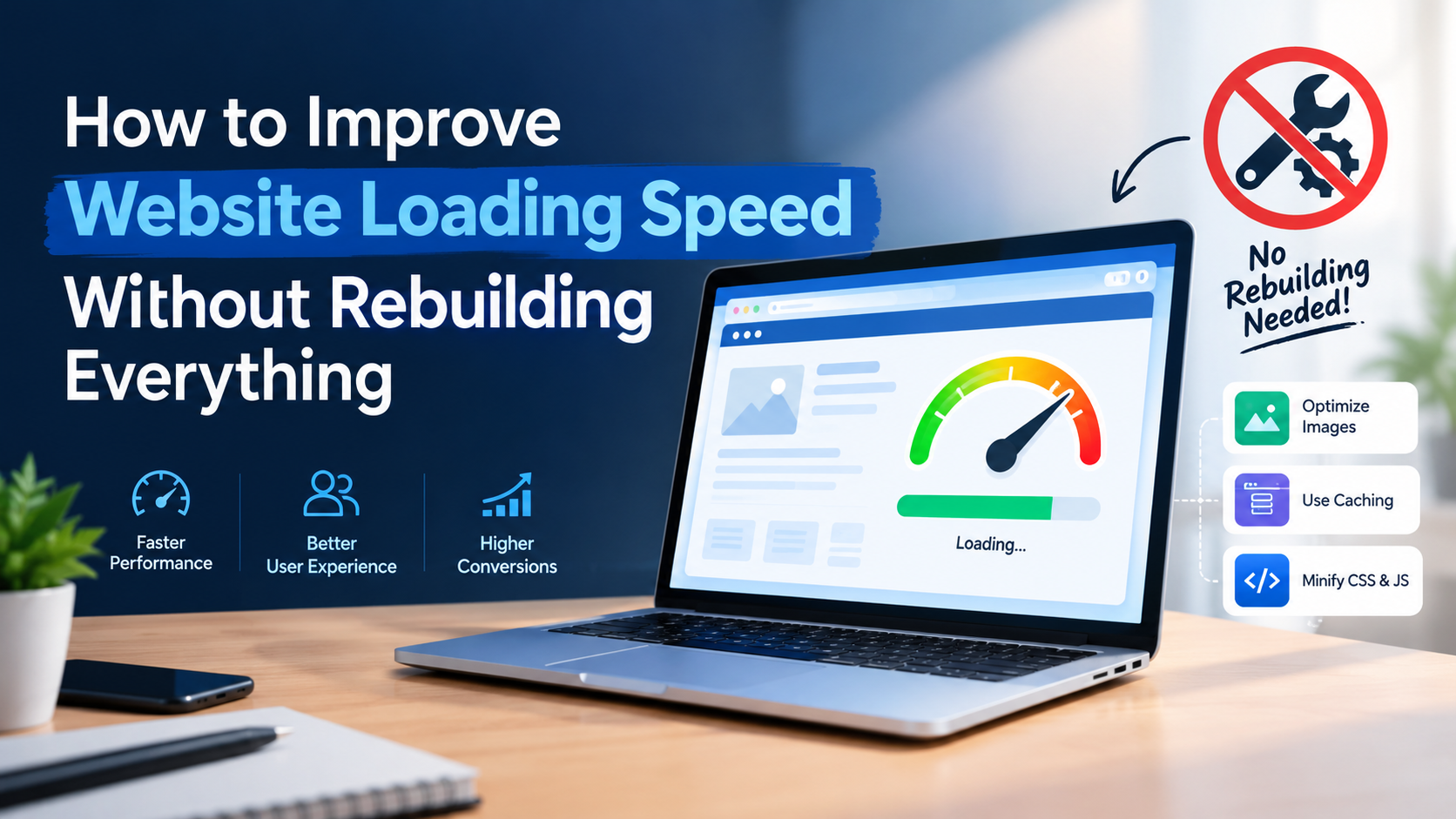
अगर आपकी website slow load होती है, तो आपको पूरी website दोबारा बनाने की जरूरत नहीं है। सही website optimization strategy के साथ कुछ targeted changes करके loading time, user experience और website performance बेहतर की जा सकती है।
आज के digital world में visitors fast-loading websites पसंद करते हैं। अगर आपकी website खुलने में ज्यादा समय लेती है, तो users page छोड़कर competitor की website पर जा सकते हैं।
इसलिए improve website loading speed without rebuilding everything हर business owner के लिए एक useful website optimization approach हो सकती है।
इस guide में हम 9 practical website speed optimization tips समझेंगे। इनकी मदद से आप images, caching, plugins, hosting और website code को optimize कर सकते हैं।
Why Is Website Loading Speed Important?
Website speed सिर्फ technical issue नहीं है। इसका असर user experience, engagement और enquiries पर भी पड़ सकता है।
जब कोई visitor आपकी website खोलता है, तो वह जल्दी से services, pricing और contact details देखना चाहता है। Slow website उसके experience को खराब कर सकती है।
अगर आप improve website loading speed without rebuilding everything चाहते हैं, तो सबसे पहले यह समझना जरूरी है कि website performance किन factors पर निर्भर करती है।
Fast website visitors को information जल्दी access करने में मदद करती है। इससे users के लिए forms भरना, service pages देखना और contact करना आसान हो सकता है।
Google भी Core Web Vitals जैसे page experience signals को अपने ranking systems में इस्तेमाल करता है। हालांकि, केवल website speed सुधारने से top ranking की guarantee नहीं मिलती।
आप Google की official Core Web Vitals Guide से performance metrics के बारे में detail में जान सकते हैं।
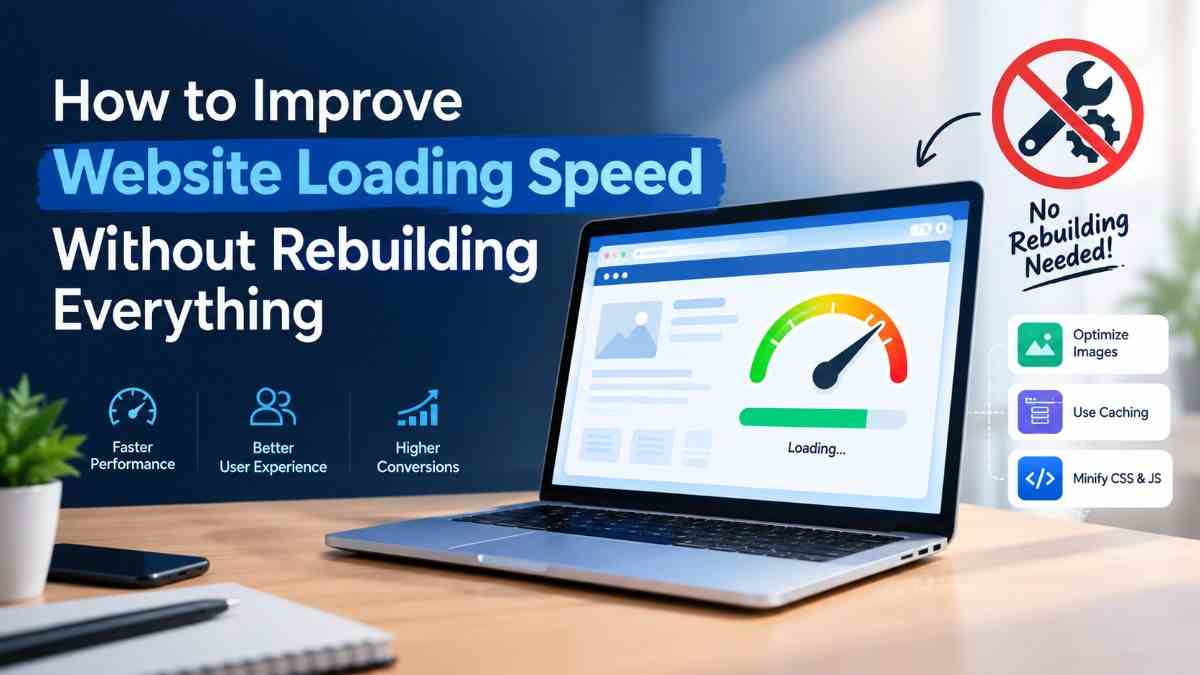
9 Ways to Improve Website Loading Speed Without Rebuilding Everything
अगर आपकी website slow है, तो पहले उन issues को identify करें जो loading time को प्रभावित कर रहे हैं।
Improve website loading speed without rebuilding everything करने के लिए नीचे दिए गए steps एक practical starting point हैं।
1. Check Your Website Speed First
Website optimization शुरू करने से पहले यह पता लगाना जरूरी है कि आपकी website slow क्यों है। बिना testing के random changes करने से समय बर्बाद हो सकता है।
कई बार problem images में होती है, जबकि कुछ websites में hosting, JavaScript या unnecessary plugins performance को प्रभावित करते हैं।
इसलिए improve website loading speed without rebuilding everything करने का पहला step performance audit होना चाहिए।
अपनी website का URL Google PageSpeed Insights में enter करें। यह tool mobile और desktop performance reports देता है और potential improvements भी दिखाता है।
Report में इन metrics पर ध्यान दें:
- LCP: Main content कितनी जल्दी दिखाई देता है। अच्छा target 2.5 seconds या उससे कम है।
- INP: User interaction के बाद page कितनी जल्दी respond करता है। अच्छा target 200 milliseconds या उससे कम है।
- CLS: Page load होते समय layout कितना unexpectedly move करता है। अच्छा target 0.1 या उससे कम है।
इन metrics को field data और lab data के context में समझें। हर website को एक ही fix की जरूरत नहीं होती।
2. Optimize Large Images
Large images website loading slow होने का एक common कारण हैं। अगर आपकी website पर high-resolution banners, product photos या background images हैं, तो उनका file size काफी बड़ा हो सकता है।
Images को optimize करना improve website loading speed without rebuilding everything की एक आसान शुरुआत है।
Images को optimize करने के लिए:
- जहां suitable हो, WebP या AVIF जैसे modern formats चुनें।
- Images को actual display dimensions के अनुसार resize करें।
- Image compression tools से file size कम करें।
- Below-the-fold images पर lazy loading इस्तेमाल करें।
- जरूरत से ज्यादा large background images avoid करें।
ध्यान रखें कि website के main hero image को lazy-load करना हमेशा सही नहीं होता। इससे सबसे important content दिखाई देने में देरी हो सकती है।
Image quality इतनी कम न करें कि आपकी website unprofessional दिखने लगे। सही balance से image quality और performance दोनों maintain किए जा सकते हैं।
Image suggestion: Compressed image और original image की comparison वाली image इस्तेमाल करें।
Image ALT: improve website loading speed without rebuilding everything
3. Use a Caching Plugin
अगर आपकी website WordPress पर बनी है, तो caching website speed optimization का एक useful तरीका हो सकता है।
Caching website के कुछ resources को store करती है, जिससे हर visit पर server को पूरा page दोबारा generate नहीं करना पड़ता।
अगर आप improve website loading speed without rebuilding everything चाहते हैं, तो अपनी hosting और existing setup के अनुसार caching configuration check करें।
WordPress के लिए LiteSpeed Cache, WP Rocket या W3 Total Cache जैसे tools उपयोगी हो सकते हैं।
Caching setup करते समय इन features को check करें:
- Page caching
- Browser caching
- Cache expiration rules
- CSS और JavaScript optimization
- Website updates के बाद cache clearing
एक साथ कई caching plugins install न करें। इससे configuration conflicts और unexpected website issues हो सकते हैं।
4. Remove Unnecessary WordPress Plugins
हर plugin website में extra code, scripts या database operations जोड़ सकता है। हालांकि, सभी plugins website को slow नहीं करते; उनका actual impact test करना चाहिए।
WordPress dashboard में installed plugins की list check करें। ऐसे plugins पहचानें जिनका इस्तेमाल नहीं हो रहा है या जिनके features दूसरे tools में पहले से मौजूद हैं।
Improve website loading speed without rebuilding everything के लिए unnecessary plugins की समीक्षा करना एक practical step है।
Unnecessary plugins को deactivate करने के बाद, यदि जरूरत न हो, तो uninstall भी करें। इससे website maintenance आसान हो सकती है और कुछ unnecessary processing कम हो सकती है।
लेकिन security, backups, forms या जरूरी website functionality देने वाले plugins को बिना alternative के remove न करें।
किसी plugin को हटाने से पहले backup लेना और staging website पर changes test करना बेहतर है।
5. Optimize Your Elementor Website
Elementor website builders को बिना coding के pages बनाने में मदद करता है। लेकिन बहुत complex layouts, excessive widgets और unnecessary animations performance को प्रभावित कर सकते हैं।
अगर आपकी website Elementor पर बनी है, तो improve website loading speed without rebuilding everything के लिए पहले existing page structure को optimize करें।
पूरी website redesign करने से पहले इन improvements को try करें:
- Unnecessary sections और nested containers कम करें।
- एक ही purpose के लिए कई widgets इस्तेमाल न करें।
- Heavy background videos को optimize करें।
- जरूरत से ज्यादा animations और motion effects हटाएं।
- Unused fonts और font weights कम करें।
- Elementor और WordPress की relevant performance settings check करें।
हर page को visually complicated बनाने की जरूरत नहीं है। Clean layout users को information जल्दी समझने में मदद कर सकता है।
Changes के बाद mobile और desktop दोनों पर page test करें। केवल editor में website सही दिखना पर्याप्त नहीं है।
6. Optimize CSS and JavaScript Files
CSS website की styling नियंत्रित करता है, जबकि JavaScript interactive functionality में मदद करता है। बड़ी या unnecessary files browser को page render करने में देरी करा सकती हैं।
CSS और JavaScript optimization website performance सुधारने का एक important हिस्सा है।
Improve website loading speed without rebuilding everything के लिए इन options को देखें:
- Unused CSS को कम करें।
- CSS और JavaScript minification enable करें, जहां safe हो।
- Non-critical JavaScript को defer करें।
- Unnecessary third-party scripts हटाएं।
- Render-blocking resources को PageSpeed report के अनुसार address करें।
ध्यान दें कि minification, combining और delayed loading हर website पर समान परिणाम नहीं देते।
कुछ scripts को delay करने से navigation menu, contact form या tracking system काम करना बंद कर सकता है। इसलिए हर change के बाद important functionality test करें।
7. Choose Better Hosting and Enable a CDN
कभी-कभी website optimization के बाद भी performance बेहतर नहीं होती, क्योंकि hosting server response slow होता है।
ऐसी स्थिति में hosting resources की जांच करना जरूरी है। Shared hosting पर resources कई websites के बीच share हो सकते हैं।
अगर आपकी website का traffic बढ़ रहा है या server resources सीमित हैं, तो hosting upgrade की जरूरत पड़ सकती है।
Improve website loading speed without rebuilding everything के लिए hosting provider चुनते समय इन factors पर ध्यान दें:
- Server response time
- Available CPU और RAM resources
- Data centre location
- Backup और security features
- WordPress compatibility
- Support quality और uptime
Content Delivery Network (CDN) website की eligible static files को अलग-अलग geographic locations पर distribute करने में मदद करता है।
इससे दूर स्थित visitors को images, CSS और JavaScript files तेजी से मिल सकती हैं। CDN का फायदा आपके audience location, caching configuration और content type पर निर्भर करेगा।
8. Reduce Heavy Third-Party Scripts
Website पर chat widgets, advertising pixels, analytics tools, social media embeds और external fonts जैसी चीजें इस्तेमाल होती हैं।
ये tools useful हो सकते हैं, लेकिन जरूरत से ज्यादा third-party scripts browser और network पर अतिरिक्त load डाल सकती हैं।
इसलिए improve website loading speed without rebuilding everything की process में third-party scripts का audit करना भी जरूरी है।
आप ये actions ले सकते हैं:
- Unused tracking scripts remove करें।
- Duplicate analytics implementations हटाएं।
- Non-essential widgets को जरूरत के अनुसार load करें।
- Heavy video embeds को lightweight previews से replace करें।
- Unnecessary external font requests कम करें।
Tracking scripts हटाने से पहले अपनी marketing और analytics requirements समझ लें। किसी जरूरी conversion-tracking tool को हटाने से campaign measurement प्रभावित हो सकती है।
9. Monitor Website Performance Regularly
Website speed optimization एक one-time task नहीं है। नए plugins, updated themes, large images और marketing scripts समय के साथ performance को प्रभावित कर सकते हैं।
इसलिए improve website loading speed without rebuilding everything के लिए एक regular monitoring routine बनाना जरूरी है।
आप यह routine follow कर सकते हैं:
- हर महीने important landing pages test करें।
- Mobile और desktop performance compare करें।
- Search Console में Core Web Vitals reports देखें।
- Website updates के बाद important pages दोबारा test करें।
- Contact forms और enquiry buttons की functionality verify करें।
अगर किसी change के बाद performance खराब होती है, तो उस change को identify करके configuration सुधारें या उसे revert करें।
How to Improve Website Speed Without Coding
अगर आप technical expert नहीं हैं, तब भी कुछ basic website speed optimization tasks खुद कर सकते हैं।
सबसे पहले large images optimize करें, unnecessary plugins हटाने की समीक्षा करें और caching settings check करें।
इसके बाद PageSpeed Insights की recommendations के अनुसार आगे बढ़ें। इस तरह improve website loading speed without rebuilding everything की शुरुआत बिना website redesign किए की जा सकती है।
हालांकि, server configuration, database optimization और advanced JavaScript issues के लिए developer की मदद जरूरी हो सकती है।
हर warning को एक साथ fix करने की कोशिश न करें। उन problems को priority दें जिनका actual impact users और important website pages पर पड़ रहा है।
Website Speed Optimization Checklist
Website में changes लागू करने से पहले और बाद में इस checklist का इस्तेमाल करें:
-
PageSpeed Insights में mobile और desktop test किया।
-
Large images को compress और resize किया।
-
Appropriate image formats इस्तेमाल किए।
-
Caching configuration check की।
-
Unnecessary plugins की समीक्षा की।
-
Elementor layouts और animations optimize किए।
-
Unused CSS और unnecessary JavaScript की जांच की।
-
Hosting response time evaluate किया।
-
Unnecessary third-party scripts कम किए।
-
Contact forms, menus और enquiry buttons test किए।
-
Changes के बाद performance दोबारा check की।
इन tasks को एक-एक करके पूरा करें और हर major change के बाद results compare करें। इससे आपको पता चलेगा कि कौन-से changes वास्तव में website performance सुधार रहे हैं।
Frequently Asked Questions
1. Can I Improve Website Speed Without Redesigning My Website?
हाँ। कई मामलों में image optimization, caching, plugin cleanup और script optimization से website performance बेहतर की जा सकती है।
Improve website loading speed without rebuilding everything का मतलब है कि पहले existing website की problems identify करके targeted changes किए जाएं।
लेकिन अगर समस्या पुराने server या complex code में है, तो additional technical changes जरूरी हो सकते हैं।
2. How Can I Check My Website Loading Speed for Free?
आप Google PageSpeed Insights का इस्तेमाल कर सकते हैं। यह mobile और desktop reports के साथ performance metrics और potential optimization opportunities दिखाता है।
3. Does Website Speed Affect SEO?
Website performance user experience को प्रभावित करती है और Core Web Vitals Google के ranking systems में इस्तेमाल होते हैं।
लेकिन rankings कई factors पर निर्भर करती हैं, इसलिए speed optimization से निश्चित ranking की guarantee नहीं मिलती।
4. How Long Does Website Speed Optimization Take?
Basic improvements कुछ घंटों में किए जा सकते हैं, जबकि hosting या complex code से जुड़ी problems को ठीक करने में ज्यादा समय लग सकता है।
सही timeline website की current condition और required changes पर निर्भर करती है।
5. Can an Elementor Website Load Fast?
हाँ। Elementor website की speed hosting, page structure, images, plugins और scripts जैसे factors पर निर्भर करती है।
सही configuration और optimization से अच्छी performance हासिल की जा सकती है। कई मामलों में improve website loading speed without rebuilding everything के लिए Elementor की existing settings और page structure को optimize करना पर्याप्त शुरुआती कदम हो सकता है।
Conclusion
Improve website loading speed without rebuilding everything करने के लिए आपको पूरी website बदलने के बजाय सही problems identify करके उन्हें priority के अनुसार fix करना चाहिए।
Images optimize करें, caching configure करें, unnecessary plugins और scripts की समीक्षा करें और नियमित रूप से performance test करें।
Website speed optimization में छोटे, targeted improvements भी उपयोगी हो सकते हैं। हर change के बाद website की performance और important functionality जरूर check करें।
अगर आपकी business website slow है या visitors को services समझने और enquiry करने में परेशानी होती है, तो पहले एक practical performance audit से शुरुआत करें।
Need a Professional Website for Your Coaching Institute?
अगर आप अपने coaching institute के लिए professional, mobile-friendly और lead-focused website बनाना चाहते हैं, तो ADXVENTURE की coaching institute website service explore कर सकते हैं।
हमारा goal है आपके institute की online presence को professional बनाना, ताकि students और parents को courses, facilities और contact details आसानी से मिल सकें।
Coaching Institute Website — Starting at ₹7,999
Build Your Coaching Institute Website
अपने coaching institute की online presence improve करने के लिए आज ही website requirements discuss करें।